Organise your daily work
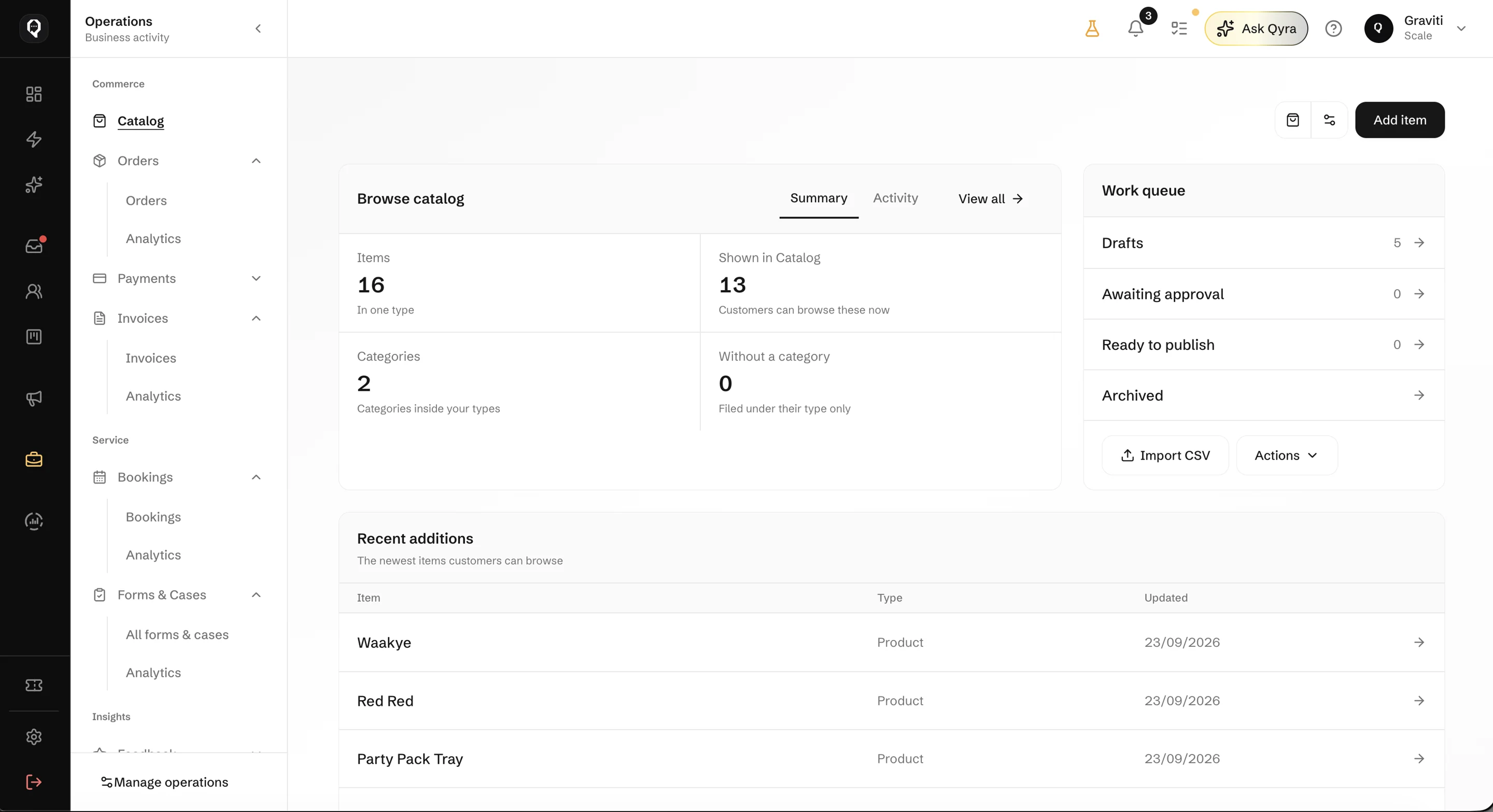
Manage your Catalog, orders, bookings and payments, with a clearer view of what needs attention.
Answer WhatsApp, Instagram and email in one inbox,
then take the order and follow up with your team.


Coming soon to iPhone and Android
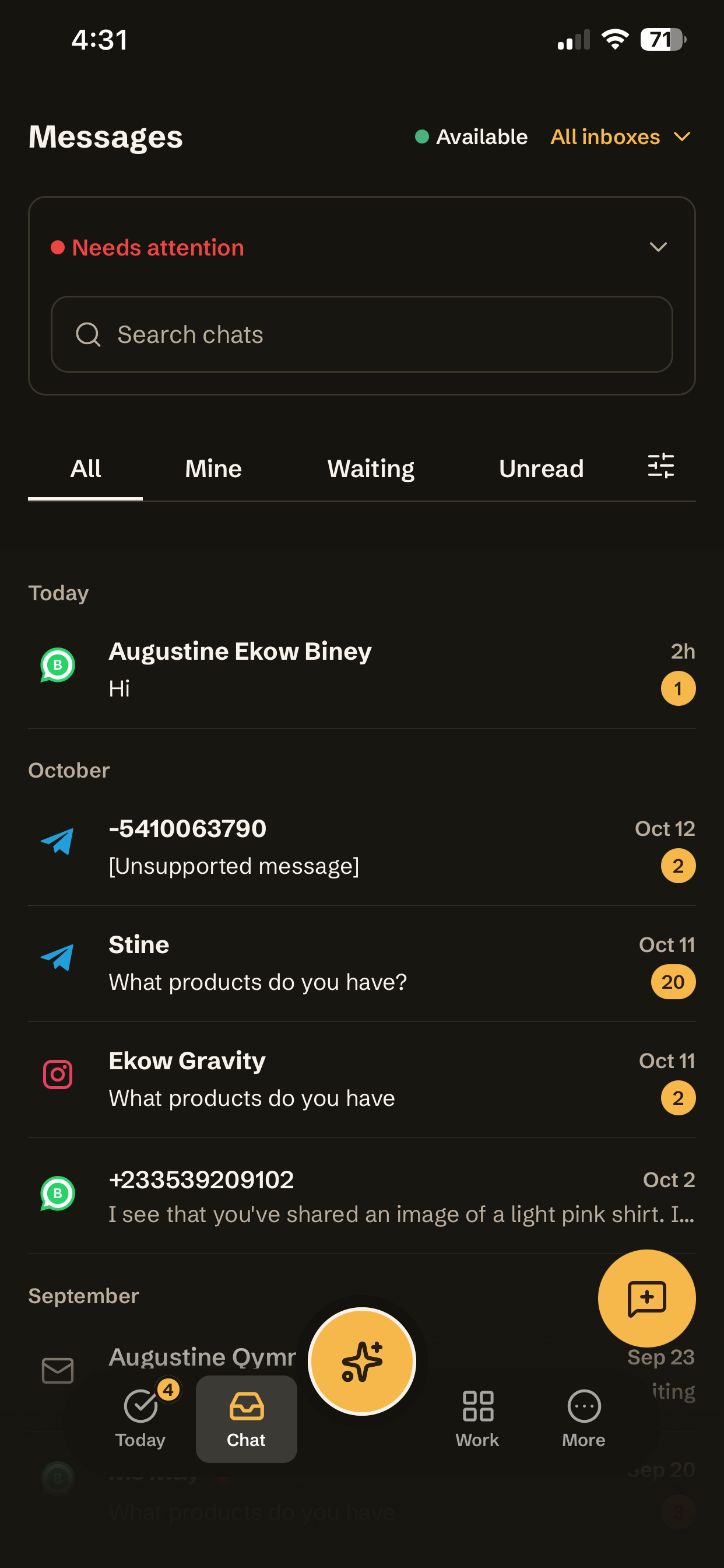
Connect the channels your customers use so your team can handle enquiries and follow-ups in Qcom.
Explore Qcom
Manage your Catalog, orders, bookings and payments, with a clearer view of what needs attention.
Answer enquiries, follow up leads and stay in touch after a sale or service, using the channels your customers use.
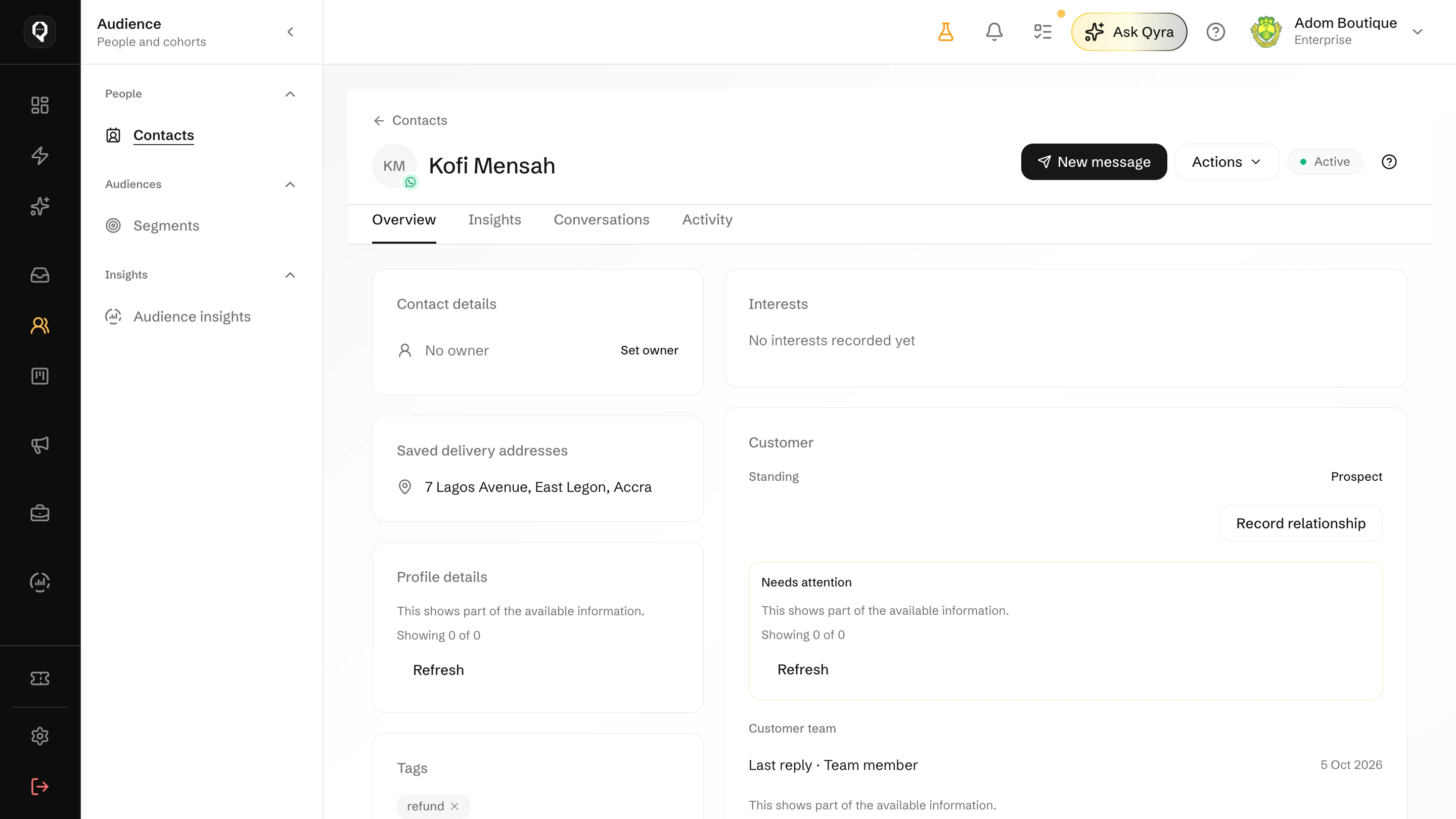
Give customer conversations an owner and track the work that needs a reply, a decision or a follow-up.
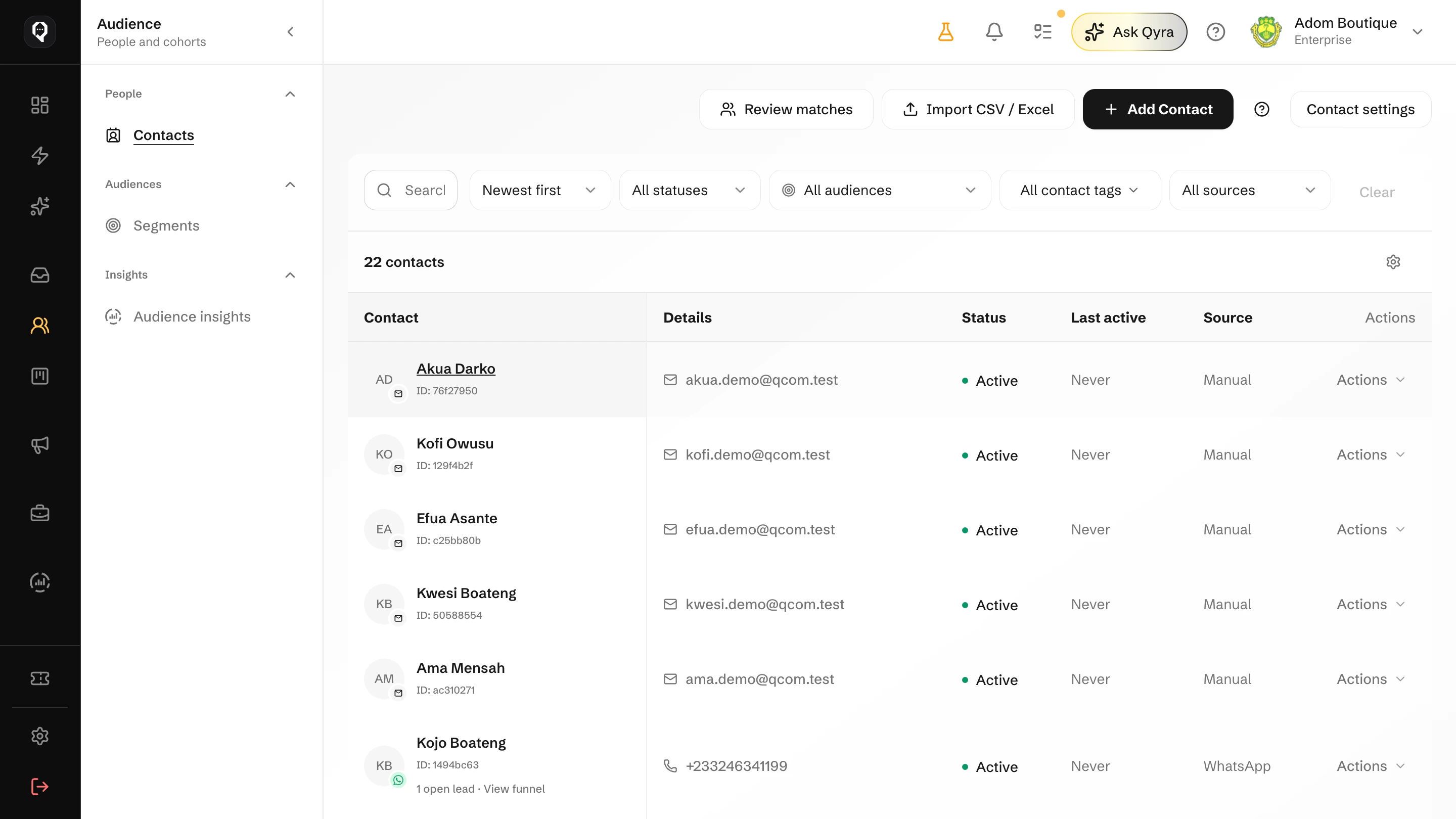
Group customers by tags, activity or purchase history so your message fits the people receiving it.
Customer work
An enquiry might need an answer, an order update or a payment reminder. Use customer details and earlier conversations to decide what happens next.
Why we built QcomChannels: email, SMS, and WhatsApp.
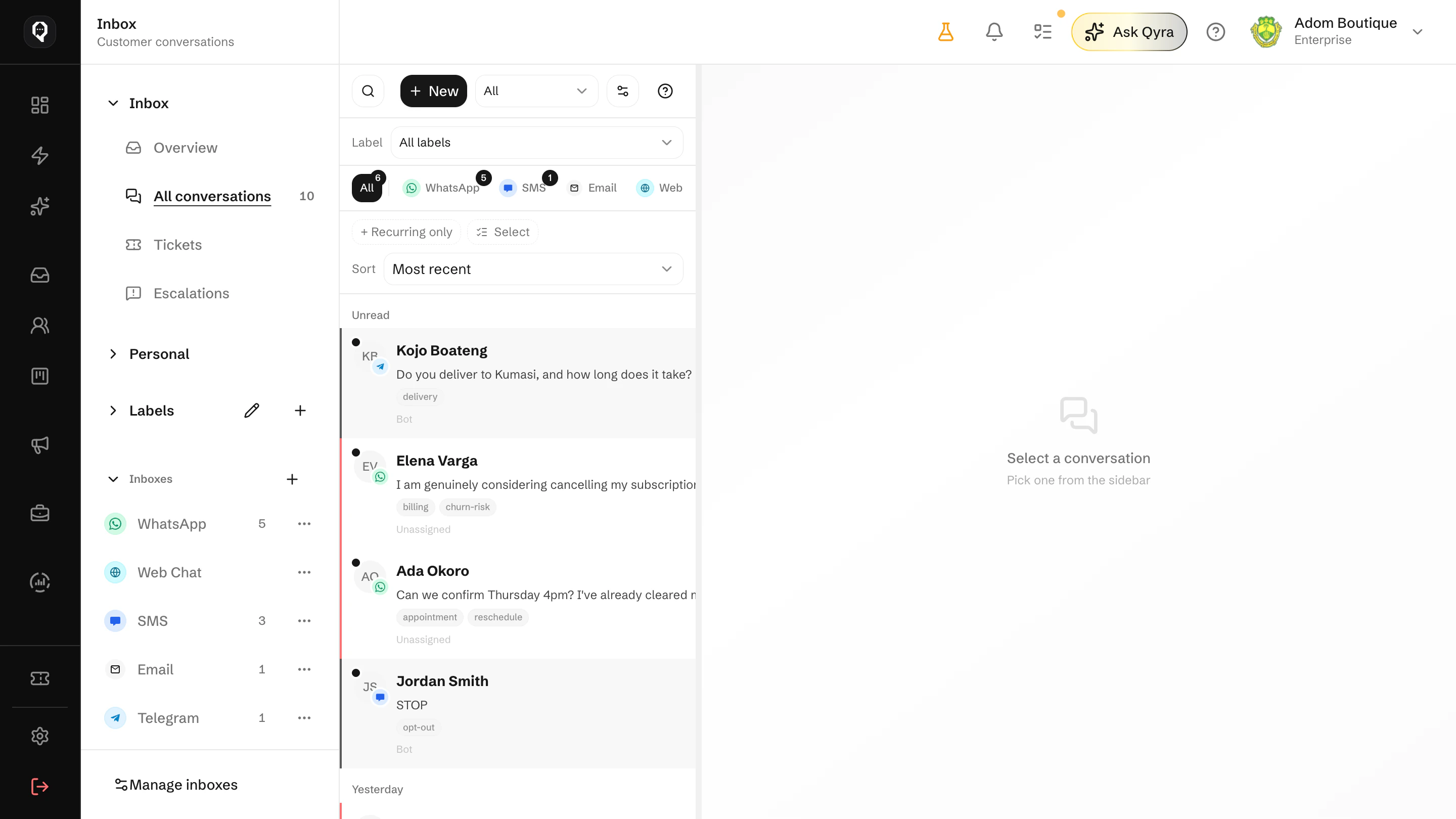
Assign incoming conversations, see earlier messages and use saved replies to help your team respond.