
One place torun your business
Manage orders, bookings and payments alongside customer conversations, campaigns and follow-ups, with a shared workspace for your team.

See how the work comes together
Explore the tools your team uses to serve customers and manage daily operations.
Give each enquiry a next step
Answer customers on connected channels, review their history and decide who should handle the work that follows.
Explore this feature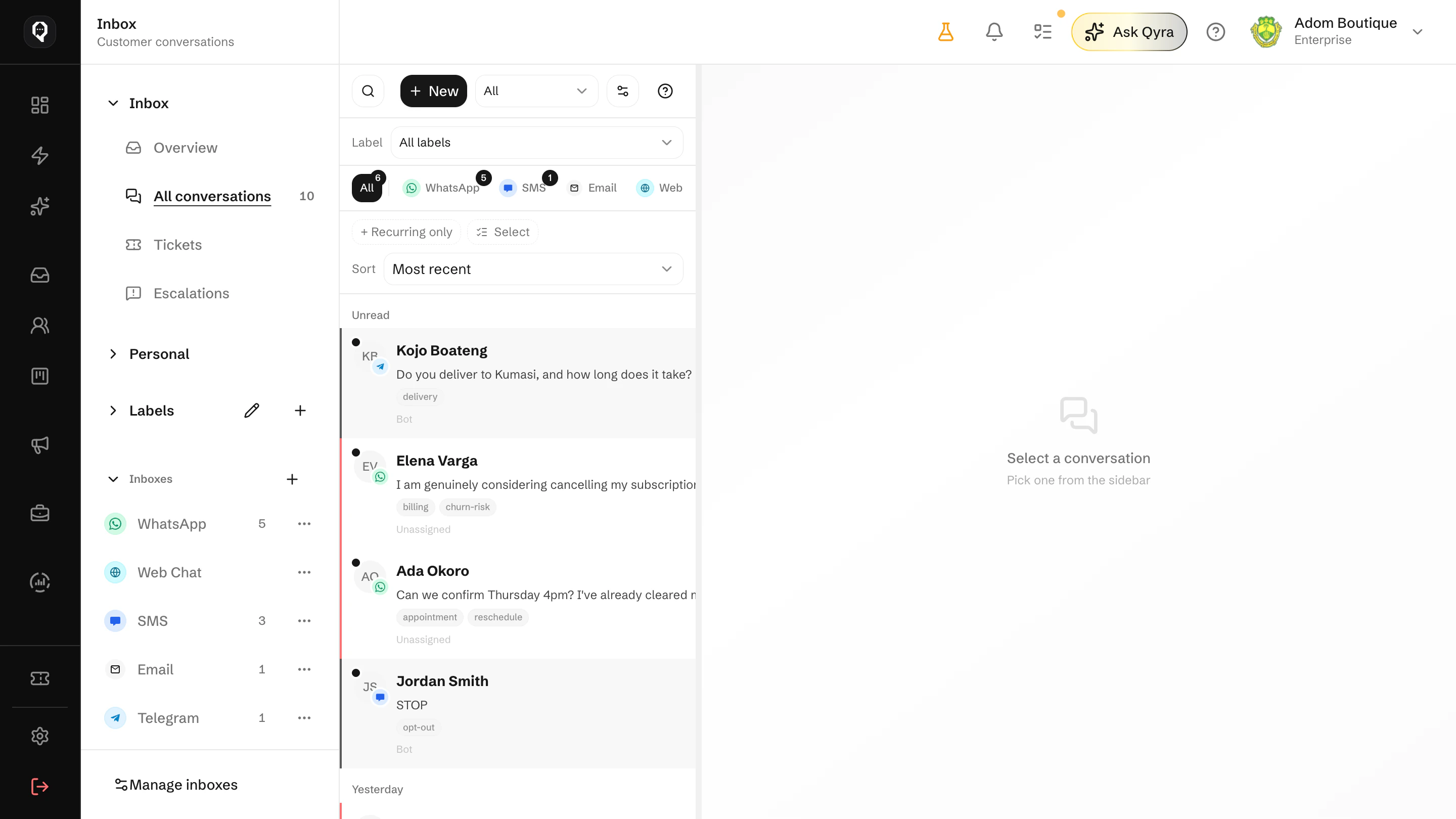
Start with the work
you want to improve
Choose a workflow, connect what it needs and bring your team into it.
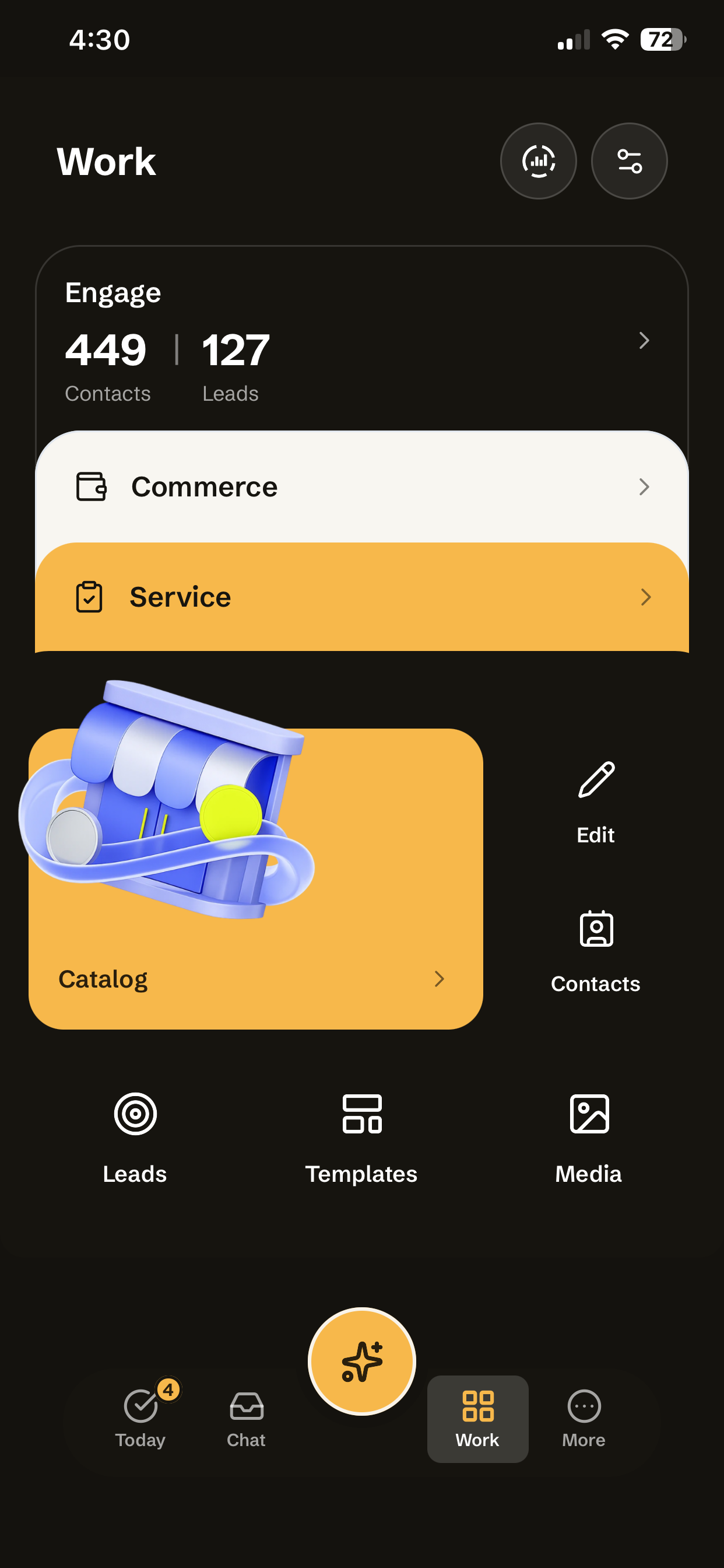
Choose where to start
Connect a channel, add your Catalog and decide who handles the work.
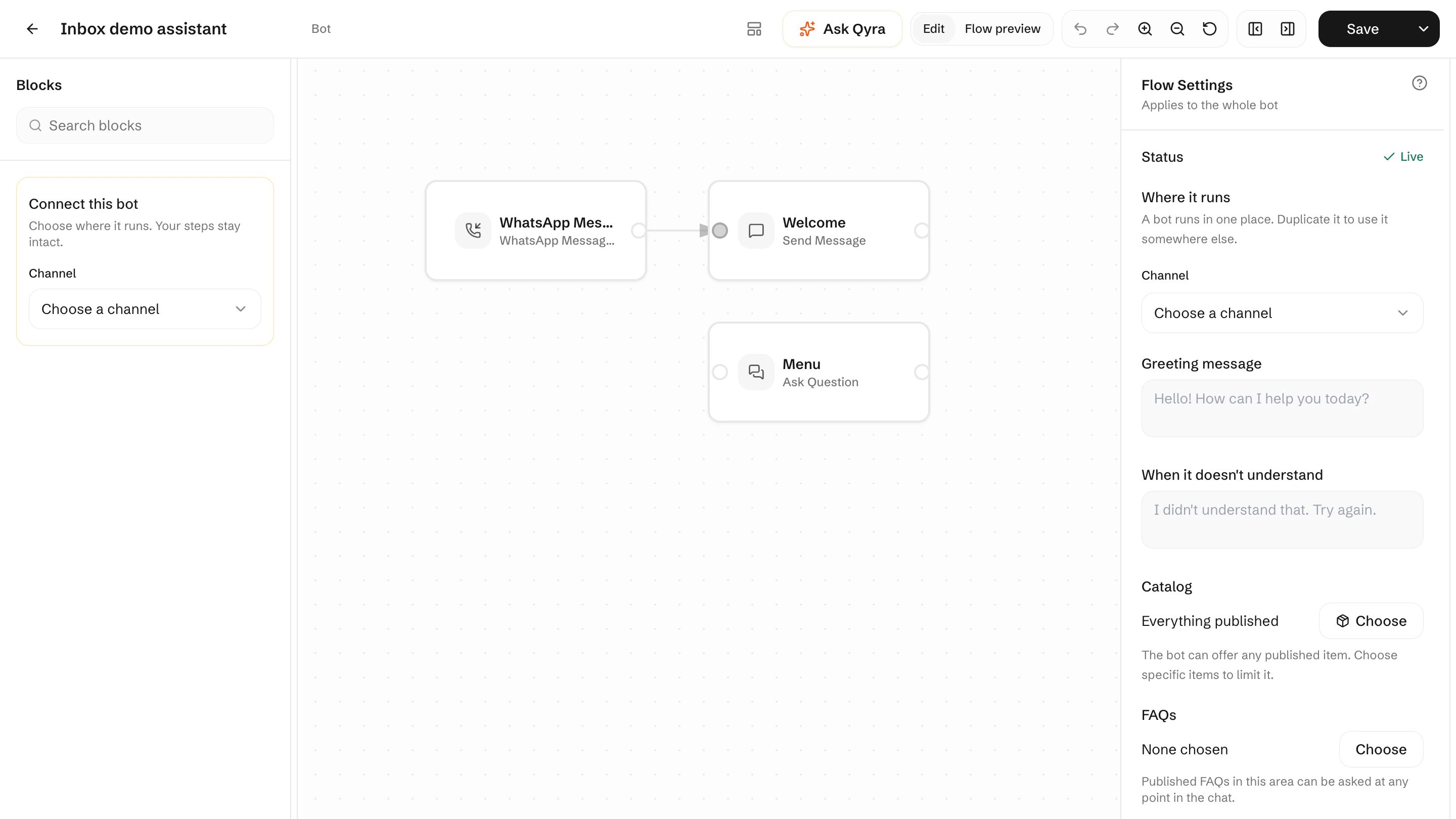
Guide customers to the next step
Set up a bot to answer common questions, collect details and pass the conversation to your team.
Make responsibility clear
Assign customer work and give each teammate access appropriate to their role.
- AAma MensahOwnerAvailable
- KKofi BoatengSalesAvailable
- EEfua AsanteSupportAway
- YYaw OwusuDeliveriesAvailable
Share what you sell
Send your storefront link so customers can browse and order, with payment options you have enabled.

How Qcom fits the work you do
See examples of the customer conversations and daily work businesses can manage with Qcom.




Keep your team clear on what needs doing
Growing businesses
Share customer information, assign conversations and track orders and bookings as more people join the work.
Start free trialLarger organisations
Discuss how your teams, connected accounts and access requirements would fit a Qcom setup before planning a rollout.
Talk to the teamGive people the access their work needs
Define responsibilities, review decisions and keep track of the work across your team.
Roles and permissions
Decide who can see, reply, sell and change settings.
Approvals
Review proposed actions that need your team's agreement.
Shared inboxes
Organise connected accounts into inboxes for the teams handling them.
Workflows
Set up routing, follow-ups and tasks around your team's responsibilities.
Reporting
Review conversations, orders and campaigns in their own reports.
Setup support
Discuss channel connections, Catalog imports and your team's setup with us.

See how Qcom fits your business
Explore a workflow you want to improve, from handling enquiries to managing orders, bookings and follow-ups.