Remind customers before a booking
Set up a reminder with the date, time and useful details, so customers can prepare for their visit.
Send booking reminders, order updates and offers from an approved business sender name, without asking customers to open an app or use mobile data.
NALA STORE
Your order is ready to collect. Visit us before 6pm today and bring your order confirmation.
GLOWSPA
Reminder: your facial is tomorrow at 10:30am. Reply C to confirm or R to reschedule.
KOFIBAKES
Your cake is on its way. The rider will call when he reaches your gate.
SMS gives a short, practical message its own place on the customer’s phone. Make the purpose clear and the next step easy to follow.
Set up a reminder with the date, time and useful details, so customers can prepare for their visit.
Tell customers when an order is ready, where to collect it or when to expect delivery.
Send a short campaign to a relevant customer group, with a clear offer and a way to act on it.
Use your business name for SMS. Request it in Qcom and check its approval status before sending.
Sender-name support varies by country and mobile network.
How sender approval works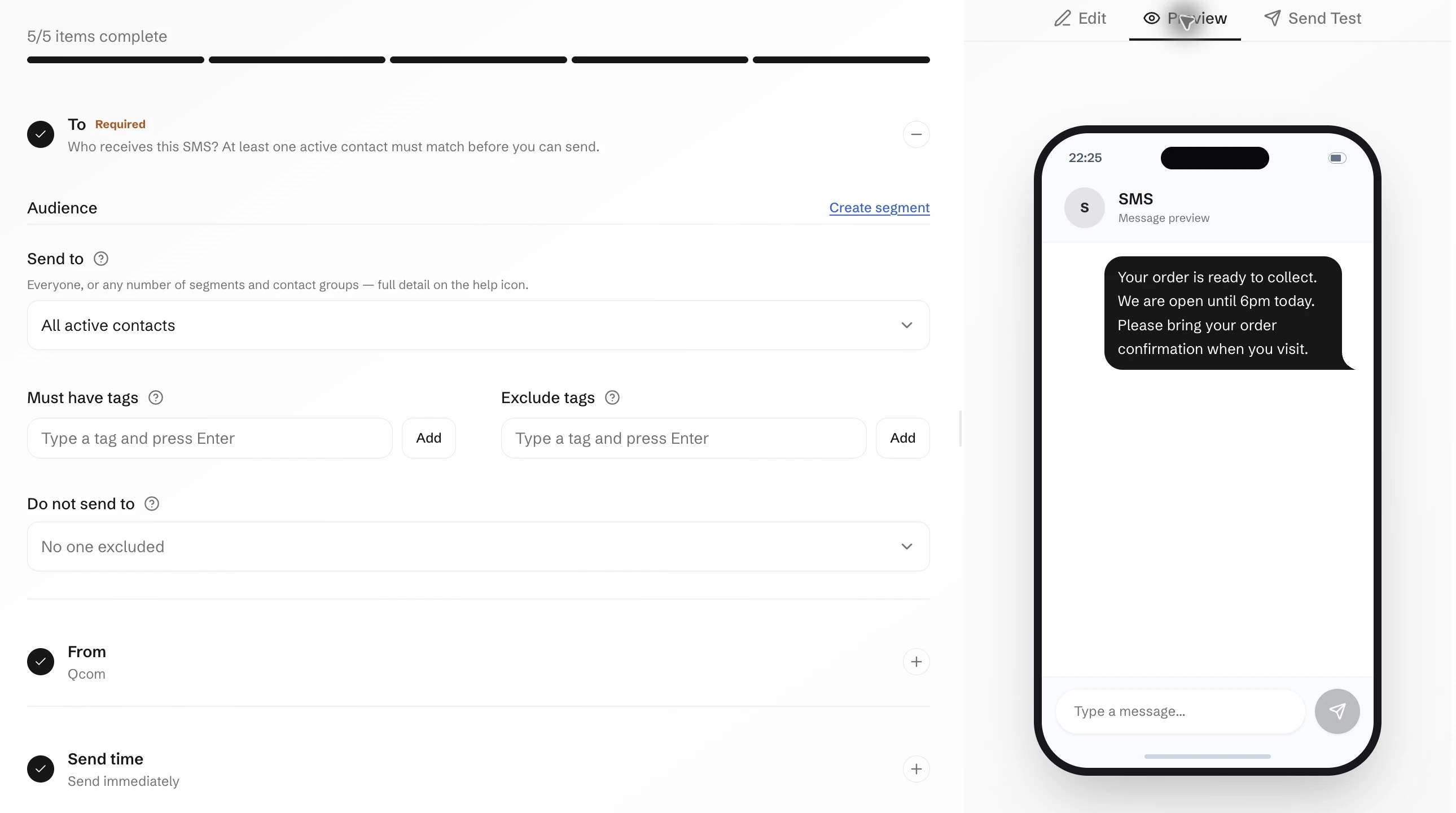
Bring reminders, order updates and SMS campaigns into the work you manage in Qcom.