Keep the customer in view
A customer should not have to explain the same request to every person on your team. We design around the relationship and the work needed to look after it.

We’re building Qcom to help businesses organise daily work, serve customers and build relationships that last.
Read our storyWinning a customer takes effort. Looking after that customer means answering questions, keeping promises and making sure the work gets done.
An enquiry may need a quote. An order may need a payment check and a delivery update. A booking may need a reminder or a change of time. Each conversation has work behind it, often involving more than one person.
When the message is on one phone, the order is in a notebook and the next step is known only to a colleague, keeping track becomes another job. The customer is left waiting while the team pieces the details together.
Qcom brings those two sides of the business closer: the operations that keep things moving and the conversations that build customer relationships. That is the purpose guiding what we build.
We want business owners and their teams to spend less effort piecing work together, with more time to serve customers and move the business forward.

We believe growing businesses deserve tools that take their everyday work seriously, without making it harder to manage.
For us, that means giving orders, bookings, payments and team responsibilities the same attention as customer conversations, sales and follow-ups.
Our aim is to make the next step easier to understand: what the customer needs, who is handling it and what is still left to do.
The principles we want every part of Qcom to reflect.
A customer should not have to explain the same request to every person on your team. We design around the relationship and the work needed to look after it.
Running a business already asks enough of you. Our aim is to make everyday customer work clear, with useful choices and language you do not need to translate.
People need to know what they are responsible for and what they are agreeing to. Clear roles, choices and review steps guide how we build, including the help Qyra provides.
Customers move between channels. People move between their desk and their phone. We want the context to stay with the work, wherever it continues.
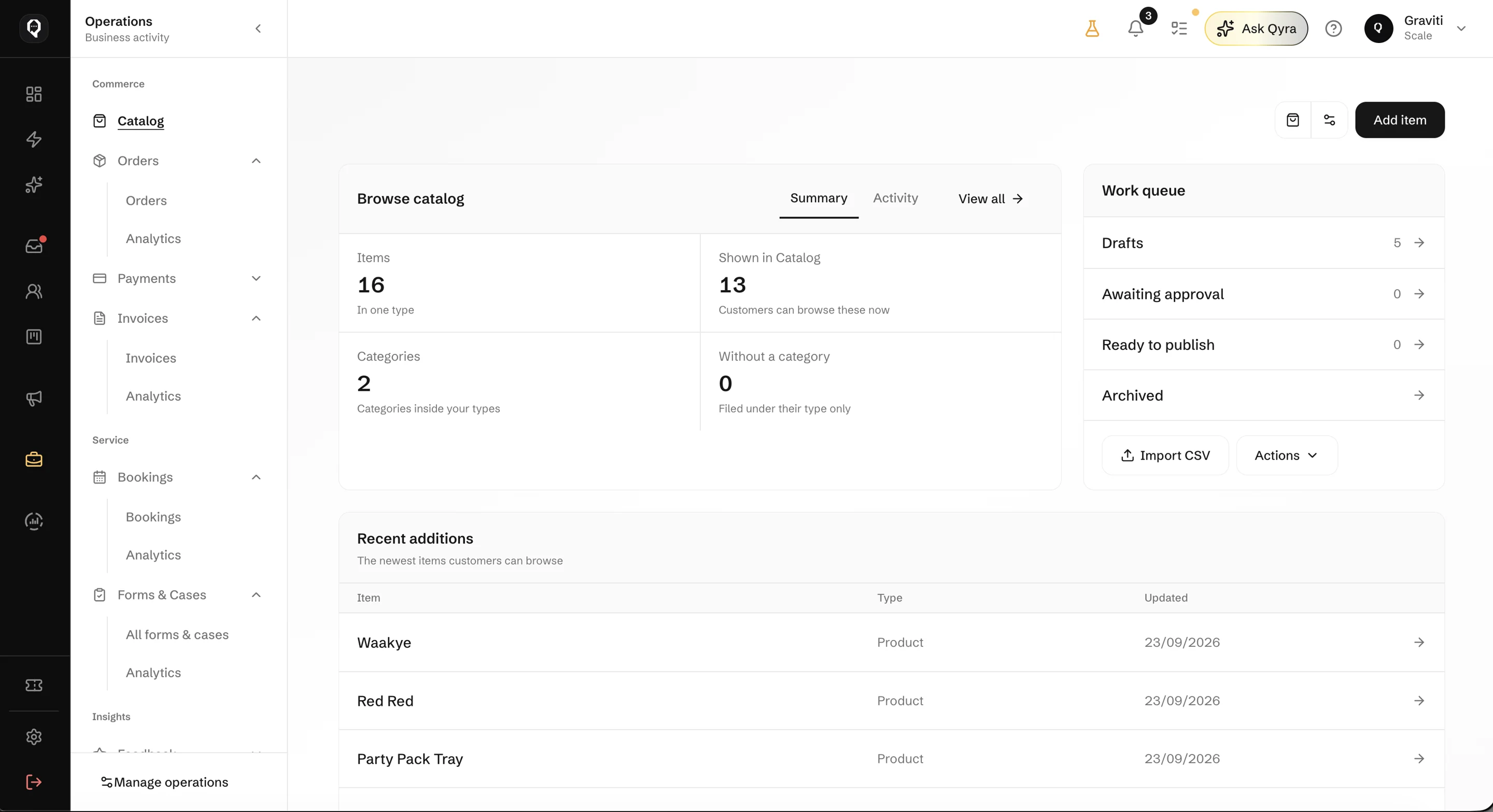
Customer conversations and daily operations share a workspace in Qcom. Your team can work with the Catalog, orders, bookings and follow-ups, with Qyra there to help them understand and prepare the next step.
Explore Qcom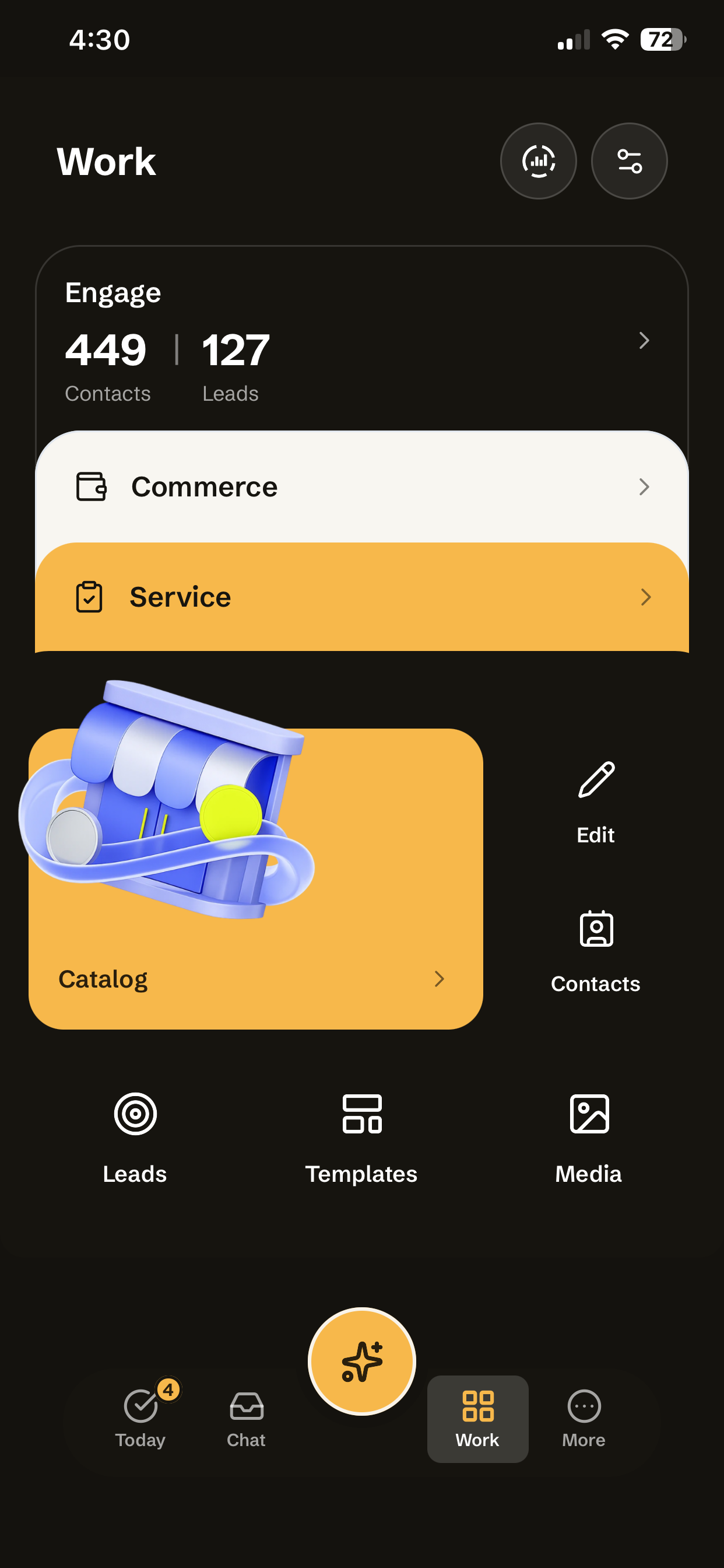
Qcom is built for businesses where customer conversations lead to work: a product enquiry becomes an order, a service request needs a booking, or a customer needs help after a purchase. It gives the people handling those conversations and the people doing the work a shared place to coordinate.
You can organise your Catalog, manage orders and bookings, track payments and invoices, and follow up customer requests. Keeping these activities alongside customer information helps your team see what has happened and what still needs attention.
Qcom supports WhatsApp, Instagram, Facebook Messenger, Telegram, SMS, email and web chat. You connect the business accounts you want to use, with setup and messaging requirements that differ by channel.
Your team can assign conversations, review customer history and hand work to the right person. Roles and permissions control what each teammate can see and do, so sharing the work does not mean giving everyone the same access.
You can keep track of leads, group customers into audiences and send campaigns or set up automated follow-ups. That might mean checking in after an enquiry or sending a booking reminder, with the recipient permissions and channel rules that apply.
In your workspace, Qyra can answer questions about your business, draft content and prepare changes for you to review. You can also set up customer-facing assistance to answer supported questions and hand conversations to your team when a person is needed.
No. You can manage conversations, customers, orders, bookings and other work directly in Qcom. Qyra provides another way to get help with that work; it does not replace your team or the tools they use in the workspace.
Qcom connects with supported messaging accounts, payment services and websites, with API and webhook options for other systems. The right approach depends on what you want to connect and the work you want to carry across. Tell us about your setup so we can discuss what is supported.
You can import customer information from CSV or Excel files and map your columns to contact fields. Review the import and possible duplicates so existing information is matched carefully rather than assuming every entry belongs to a different person.
Explore the platform overview or request a demo around a workflow you want to improve, such as handling enquiries, coordinating bookings or following up orders. You can also contact us to discuss your current tools and the work your team needs to manage.
Whether it’s managing orders, coordinating your team or following up customers, we’d like to understand the work you want to make easier.