Sell in the chat
Take orders without leaving the conversation
A customer asks, picks and confirms in WhatsApp. The order lands on their record, and your team sees the whole thread.
Adom Boutique
Answer customers from one shared number, take orders in the chat, and follow up with approved templates.
Adom Boutique
Business account
This business uses a secure service from Meta to manage this chat
From the first question to the order on its way, without leaving the chat.
Sell in the chat
A customer asks, picks and confirms in WhatsApp. The order lands on their record, and your team sees the whole thread.
Answer first
A bot greets the customer and answers common questions with reply buttons. When a person is needed, the chat moves to your team with everything said so far.
Collect details
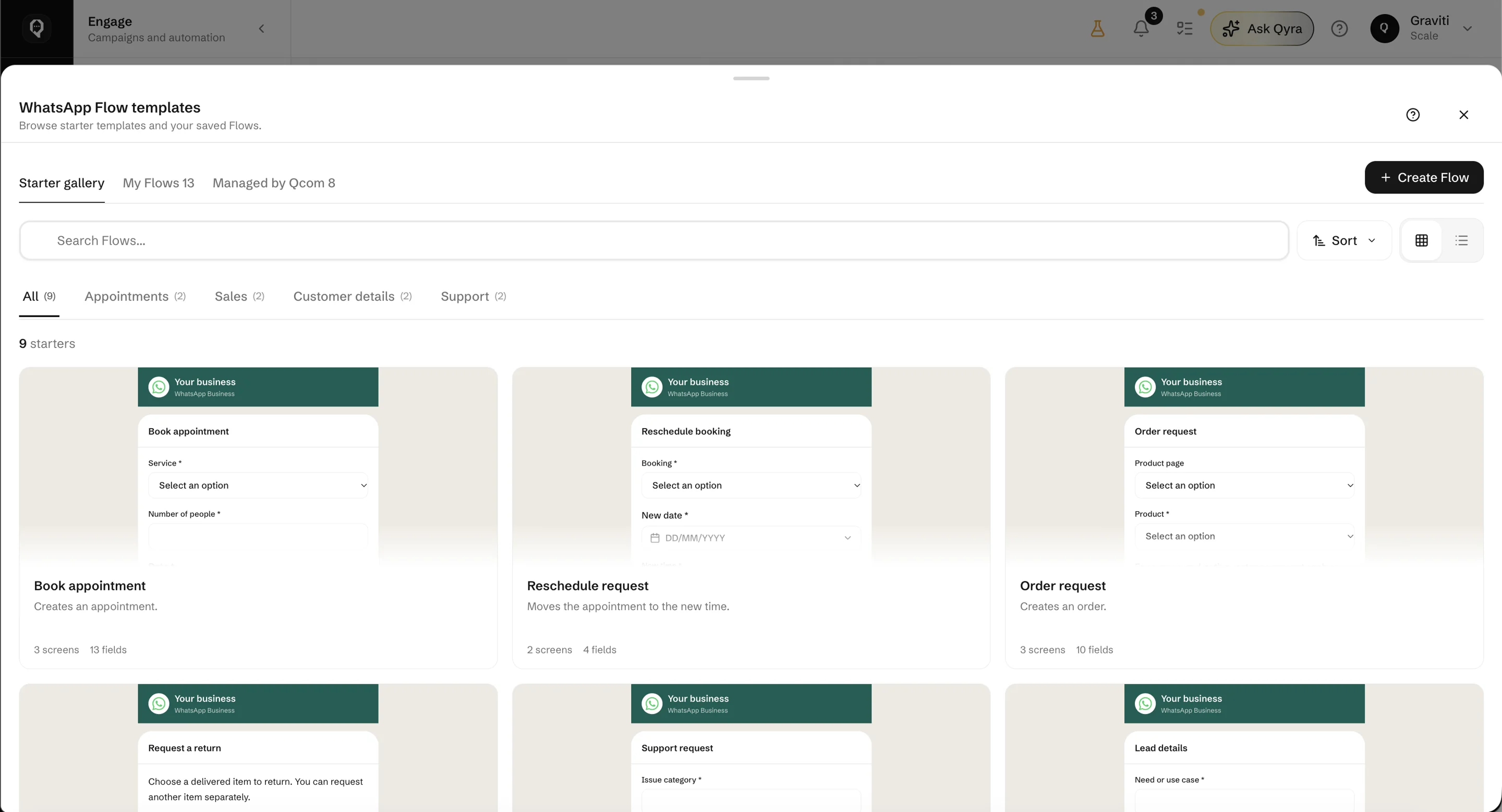
WhatsApp Flows open a native form in the chat. Answers become a booking, an application or a request your team can act on.
Catering request
Name
—
Event date
—
Guests
—
Submit
Reach out later
Reply freely for 24 hours after the customer's last message. After that, send a template Meta has approved: an order update, a reminder, a receipt.
Promotions
Send an approved template to a segment and follow each message from sent to delivered to read.
The Harmattan collection is here — linen sets and woven bags. Reply SHOP to see what's in stock.
Your WhatsApp number is connected once. Sales, support and deliveries all reply from it, and nobody answers the same customer twice.
Adom Boutique
Business account
Today
Your order is ready
Hi Ama, your green kaba dress is ready. Choose delivery or pickup and we’ll arrange the next step.
09:41Send a template, collect delivery details with a WhatsApp Flow and keep the conversation moving.
Nala Collective
Business account
Hi, how should I care for my new dress?
10:24Hand wash it in cool water with a mild detergent. Dry it in the shade to help keep the colours bright.
10:25Qyra answers from your catalog and knowledge, and hands over when a customer asks for a person.
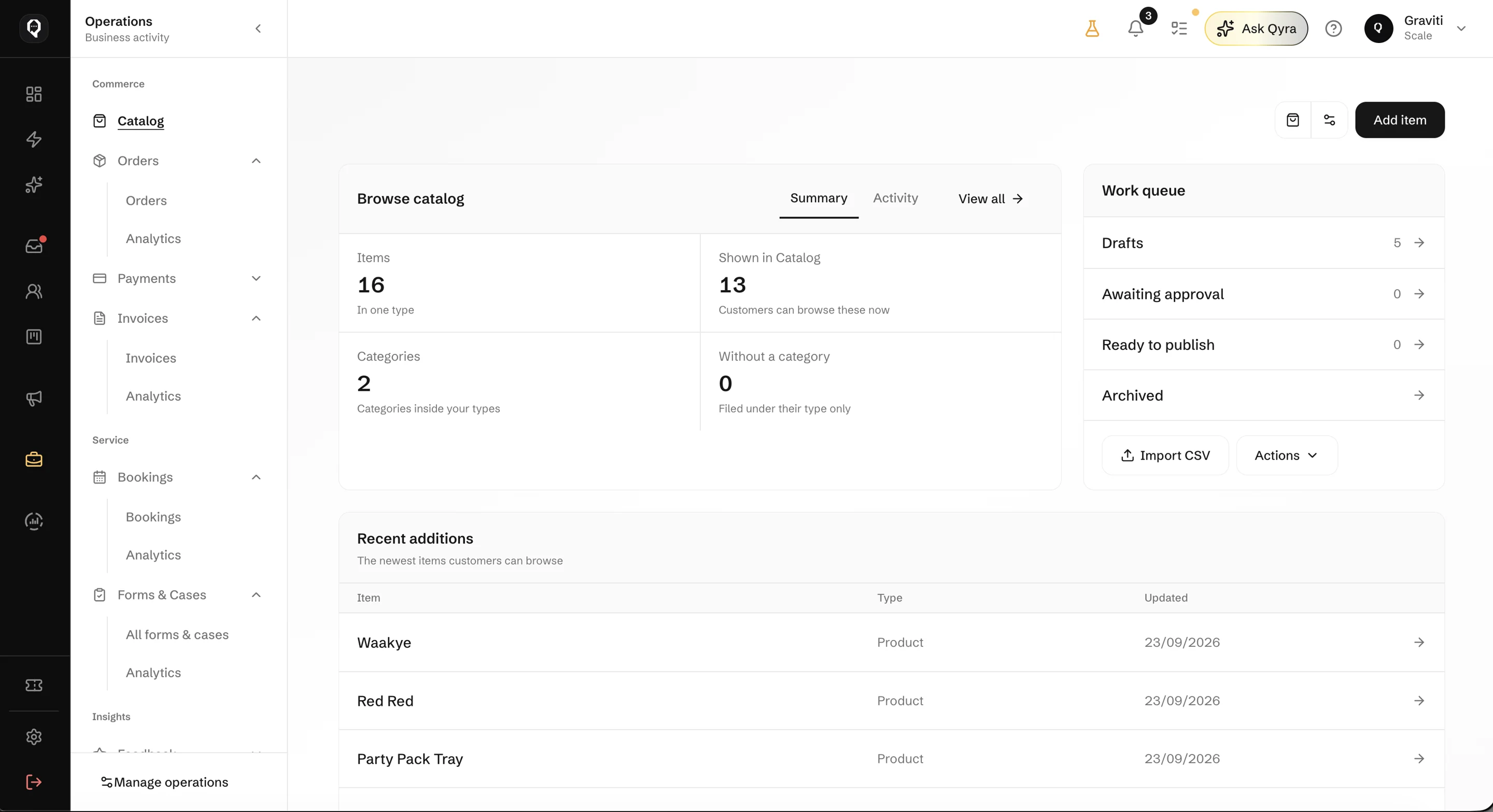
Share products and your storefront link. Orders arrive tied to the customer.
Write templates in Qcom and submit them to Meta for approval from the same screen.
Connect the number you already use. Here is how it goes.
Sign in with Meta and connect your WhatsApp Business number. It becomes a source you can attach to an inbox.
Choose which inbox the number feeds and who answers it. Everyone replies from the same number.
Write the messages you send after the 24-hour window and submit them to Meta for approval.
Share your number and storefront link, switch on a bot or Qyra, and take your first order in the chat.
Bring customer conversations, orders and follow-ups together. Give your team the context to take the next step.