Send the offer on the channel each customer reads
WhatsApp, SMS and email campaigns from one place, sent to a segment of your customers and followed up in the inbox when they reply.
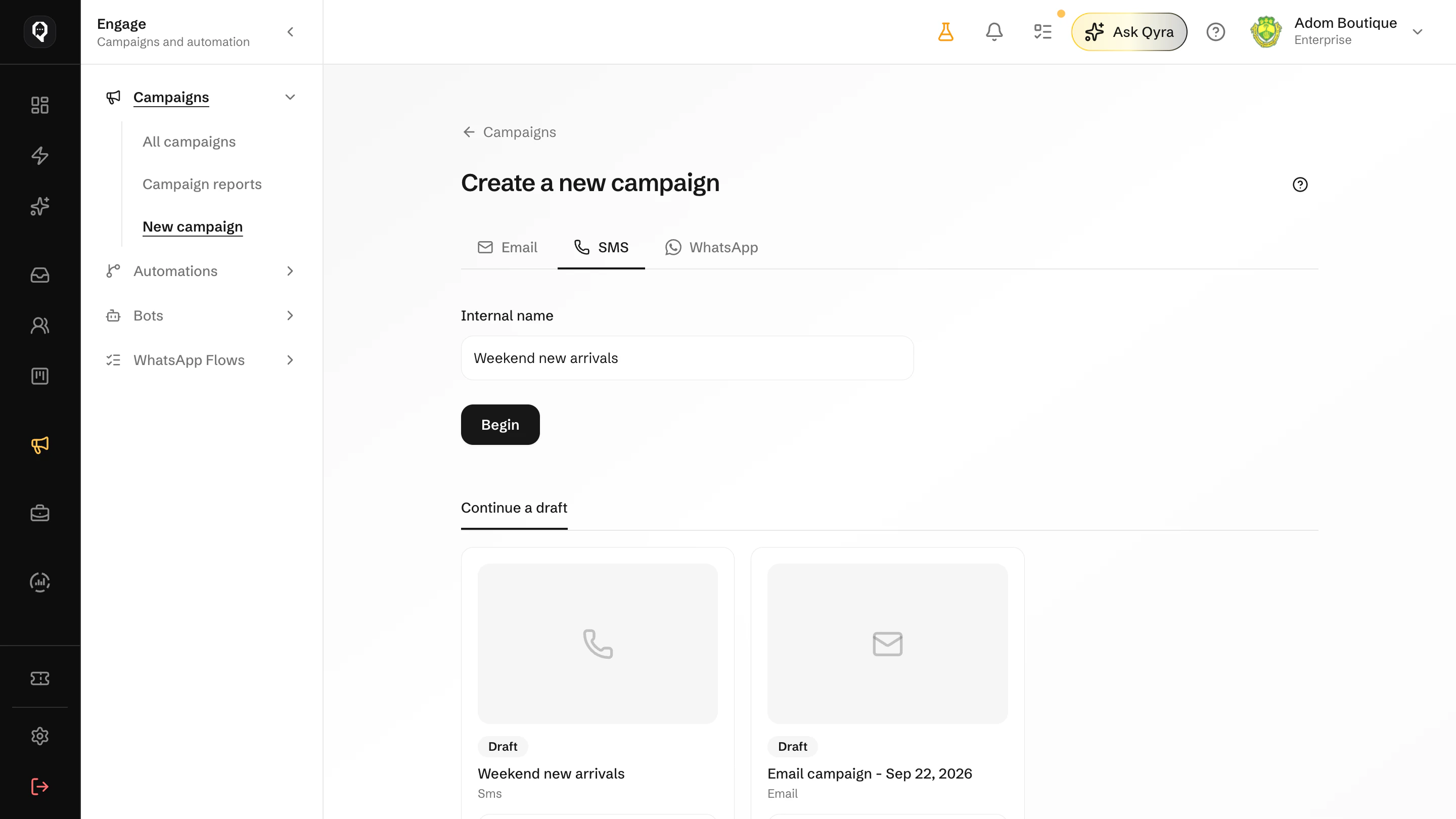
From an idea to a sent campaign
Each campaign follows the same steps, whichever channel it goes out on.
01
Choose the channel
WhatsApp with an approved template, SMS from your sender ID, or email from your own domain.
02
Pick the audience
Send to everyone, to saved segments or to contact groups, and leave out the people you choose.
03
Write and preview
Start from a template or from scratch, and see the message as the customer will before it goes.
04
Send now or schedule
Send straight away or choose the time, and send yourself a test first.
05
Follow the replies
Replies arrive in the inbox on the customer's record, and the campaign report shows how it went.
Build the campaign in one place
- One builder for every channel
- The same steps for WhatsApp, SMS and email, with a checklist that shows what is still missing.
- A preview beside it
- See the message on the right as you write, with your customer's name filled in.
- Test before you send
- Send a test to yourself, and compare two email versions with an A/B test.