Sell in the chat your customers already use
Send your storefront link in WhatsApp or Instagram. Customers order on their own, and the order lands beside the conversation.
Hi, can I see what you have in stock?
From a question to a delivered order
The chat starts the sale, the storefront takes the order, and both sides follow it to the door.
01 Share
Send the storefront in the chat
When a customer asks what you have, reply with your storefront link instead of photos one by one.
02 Order
The customer orders on their own
They add items to the cart, drop a pin for delivery and see the delivery fee before checking out.
03 Follow
Everyone follows the same order
The order lands beside the conversation for your team, and the customer opens its page by order number.
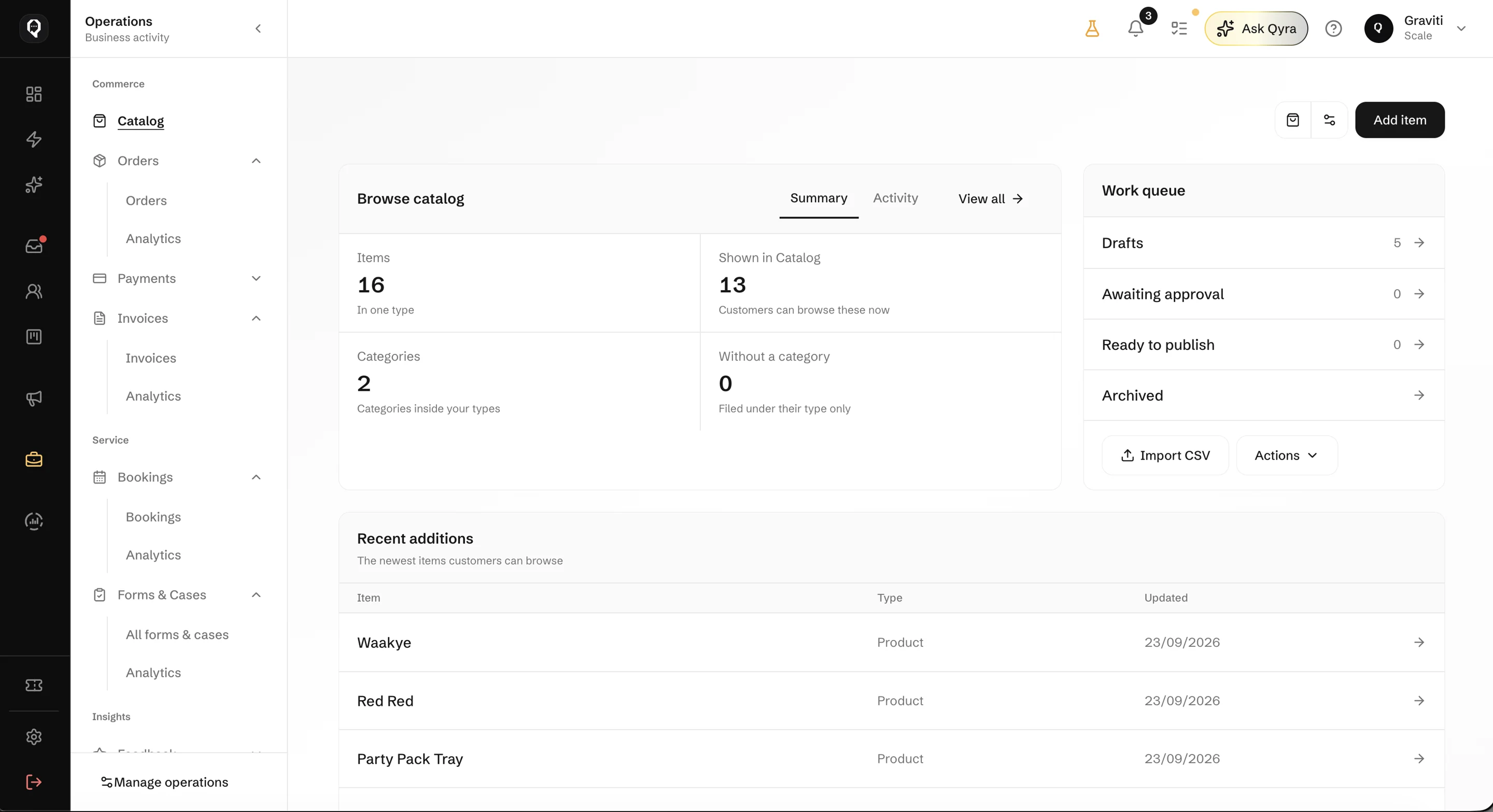
Your catalog is the storefront
- Items with prices and photos
- The storefront shows the catalog you keep in Qcom, so a price you change is the price customers see.
- Delivery that knows the address
- Customers search or drop a pin, and the delivery fee is worked out before they check out.
- Bookings beside products
- For services, customers pick a day and a free slot in the same storefront.
Questions about selling in the chat
Send your first storefront link today
Add your items to the catalog, share the link in the chat, and follow every order to the door.