Page messages
Answer your Page's messages as a team
Messenger chats land in the shared inbox with the customer's record beside them, so whoever is free can reply.
M
Mama Efua Catering
Typically replies within an hour
Your Page's messages land in the shared inbox, and every Lead Ads form becomes a contact your team follows up.
Kente House
Typically replies within minutes
From an ad form to a confirmed order, without copying leads out of Meta.
Page messages
Messenger chats land in the shared inbox with the customer's record beside them, so whoever is free can reply.
Mama Efua Catering
Typically replies within an hour
Lead Ads
When someone fills in your ad's form, their answers arrive in Qcom as a new lead with a contact record.
Mama Efua Catering · Sponsored
Plan your event menu
Full name
Phone number
What are you planning?
Preferred date
Follow up
The lead's phone, email and answers sit on their record, so your team can follow up on the channel they prefer.
Mama Efua Catering
Messenger
Your Page is connected once. Sales, events and support reply from it, and every lead shows who has it.
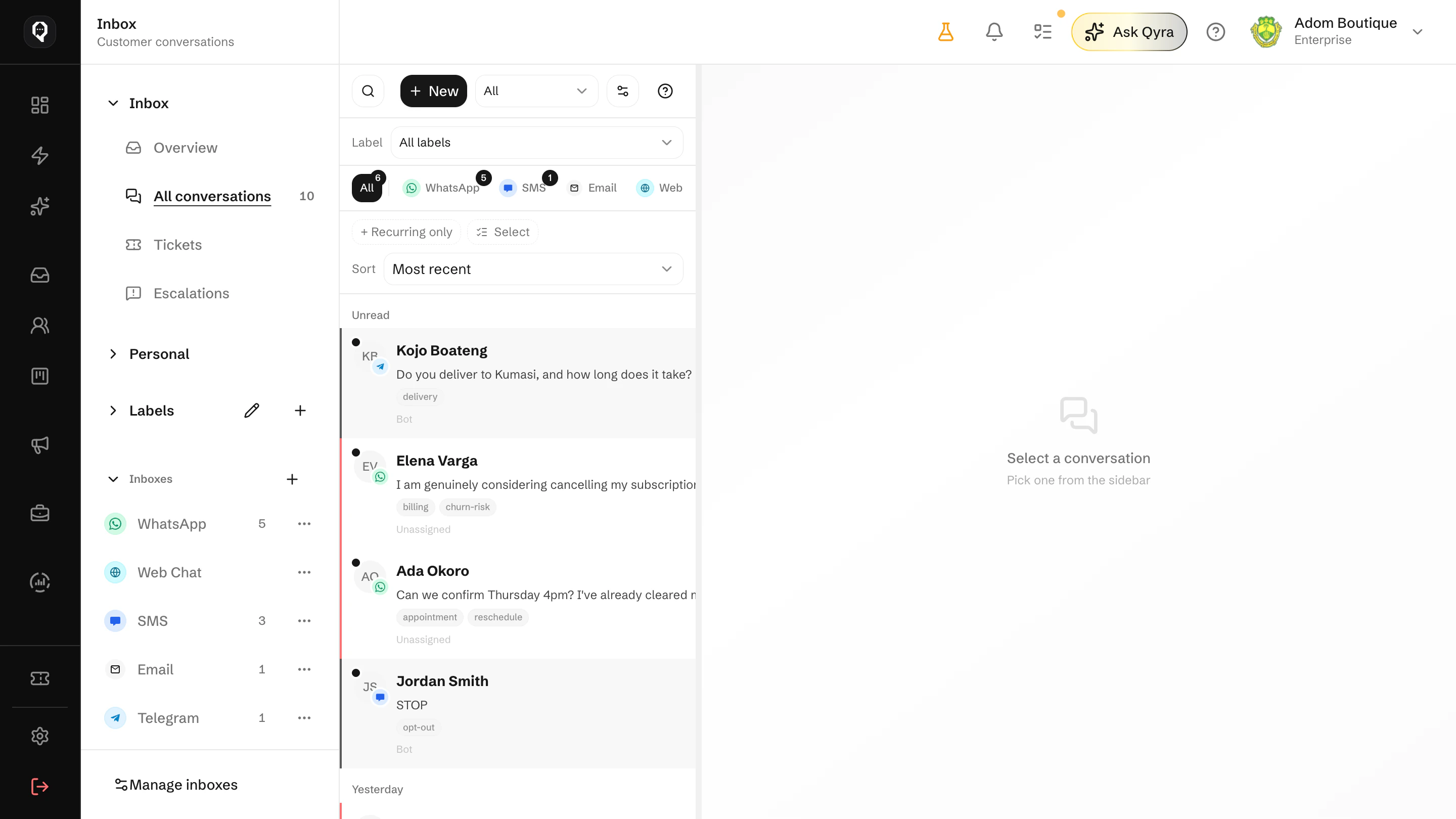
Assign Page messages, leave notes and see who is answering, like any other channel.
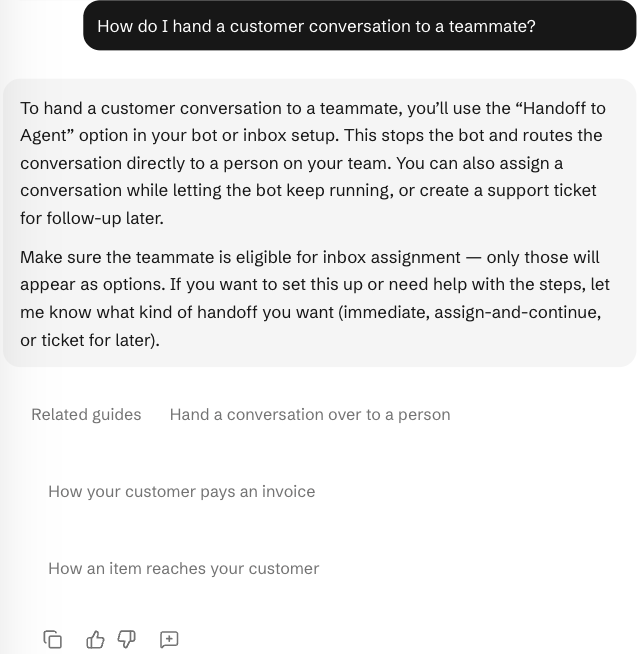
Not sure how to hand a chat to a teammate? Ask Qyra and it explains the steps.
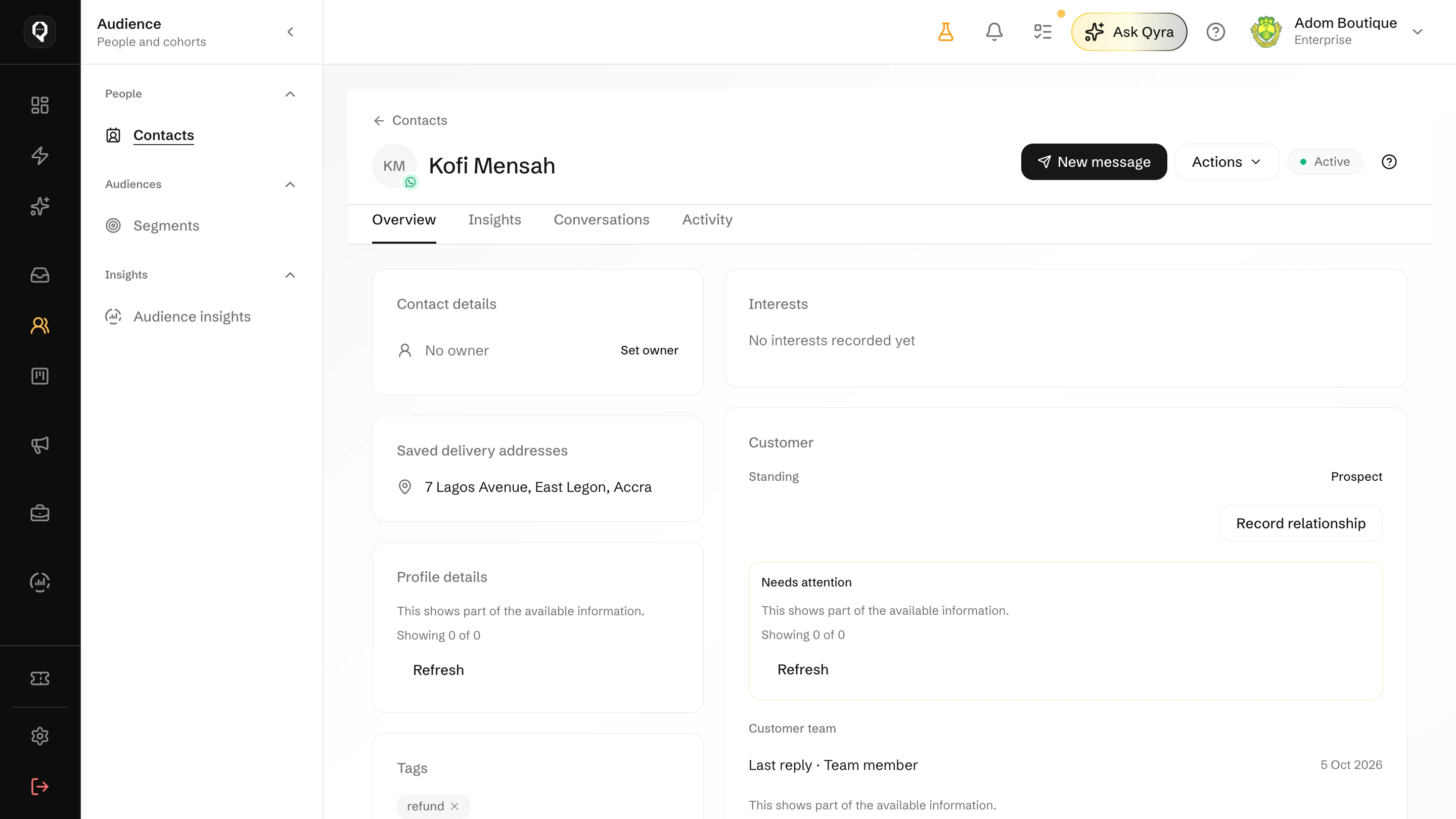
Each lead's form answers stay on one contact record, matched across your channels.
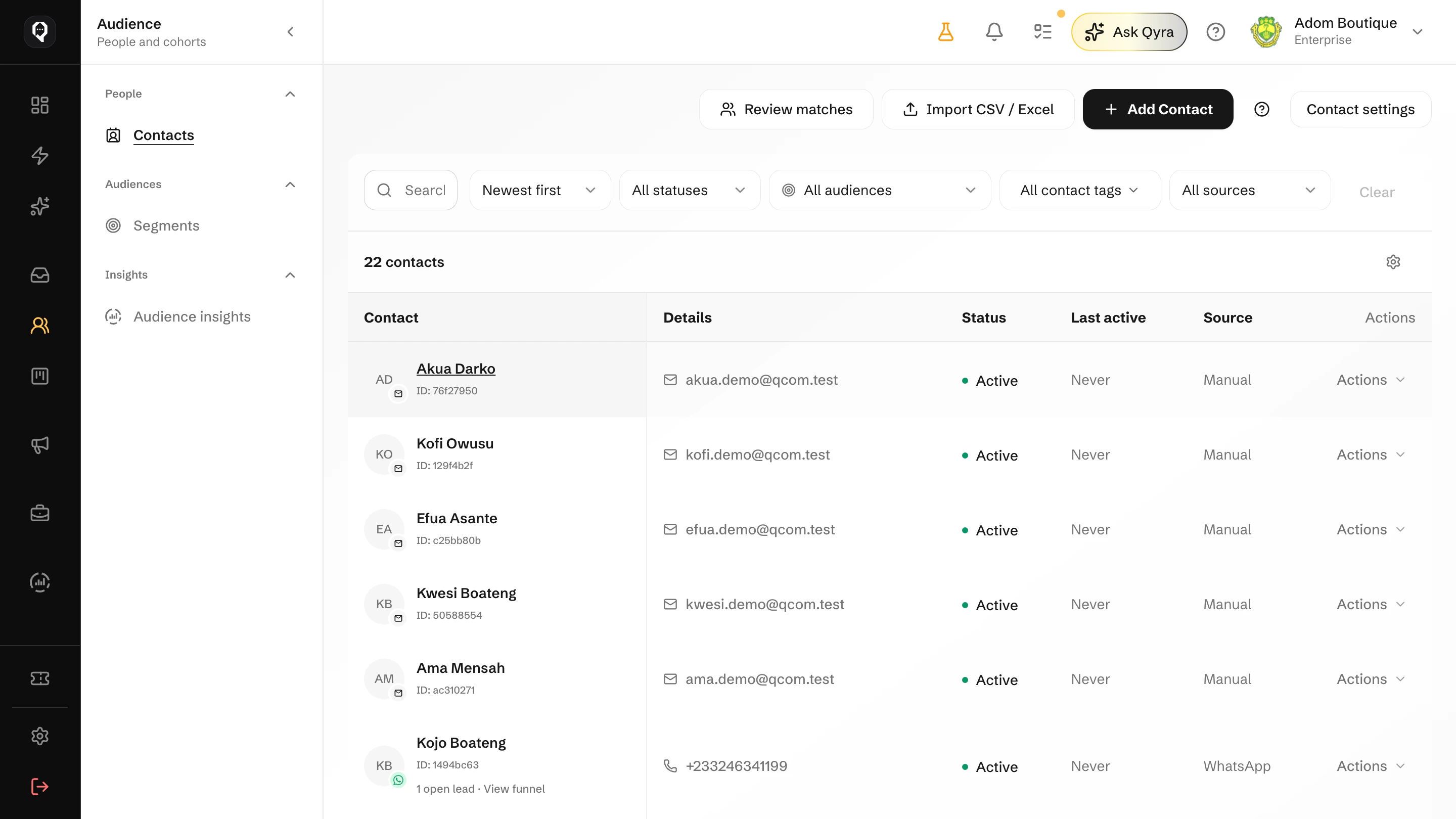
Messenger customers and ad leads sit in Contacts beside your WhatsApp and email customers.
You need admin access to your Facebook Page. Here is how it goes.
In Connections, choose Messenger and sign in with the Facebook account that manages your Page.
Choose the Page. Its messages and Lead Ads forms are linked together.
Attach the Page to an inbox and choose who answers it.
New Messenger chats and leads start arriving in Qcom straight away.
Bring Messenger chats and Lead Ads together, with the customer's answers beside every conversation.