Introduce something new
Give a new product, menu or service the space it needs, with images, useful details and a clear action for the reader.
Product launches, useful updates and the details of a purchase.
Build it in Qcom, send from your business address and choose who it is for.
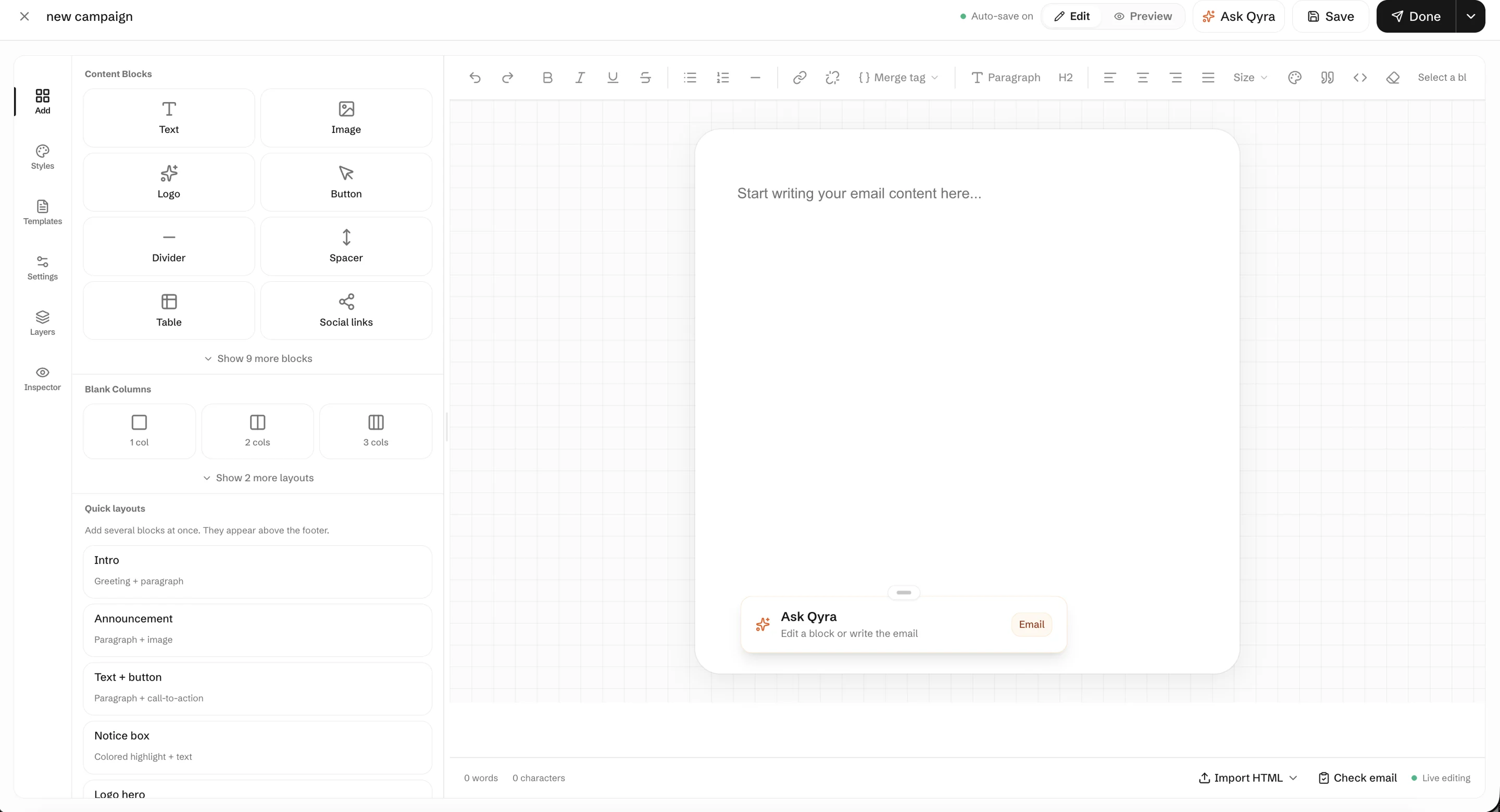
Give a new product, menu or service the space it needs, with images, useful details and a clear action for the reader.
Send confirmations, receipts and invoices customers can find again when they need them.
Send updates to a relevant audience and handle customer replies through your connected email account.
Arrange the message with content blocks, add your images and links, and reuse the layout when you need it again.
Explore email templatesConnect your sending domain and verify your sender address before sending. The DNS records Qcom provides help receiving email services authenticate your messages.
Domain authentication is an important part of setup. It does not guarantee that every message will reach the inbox.
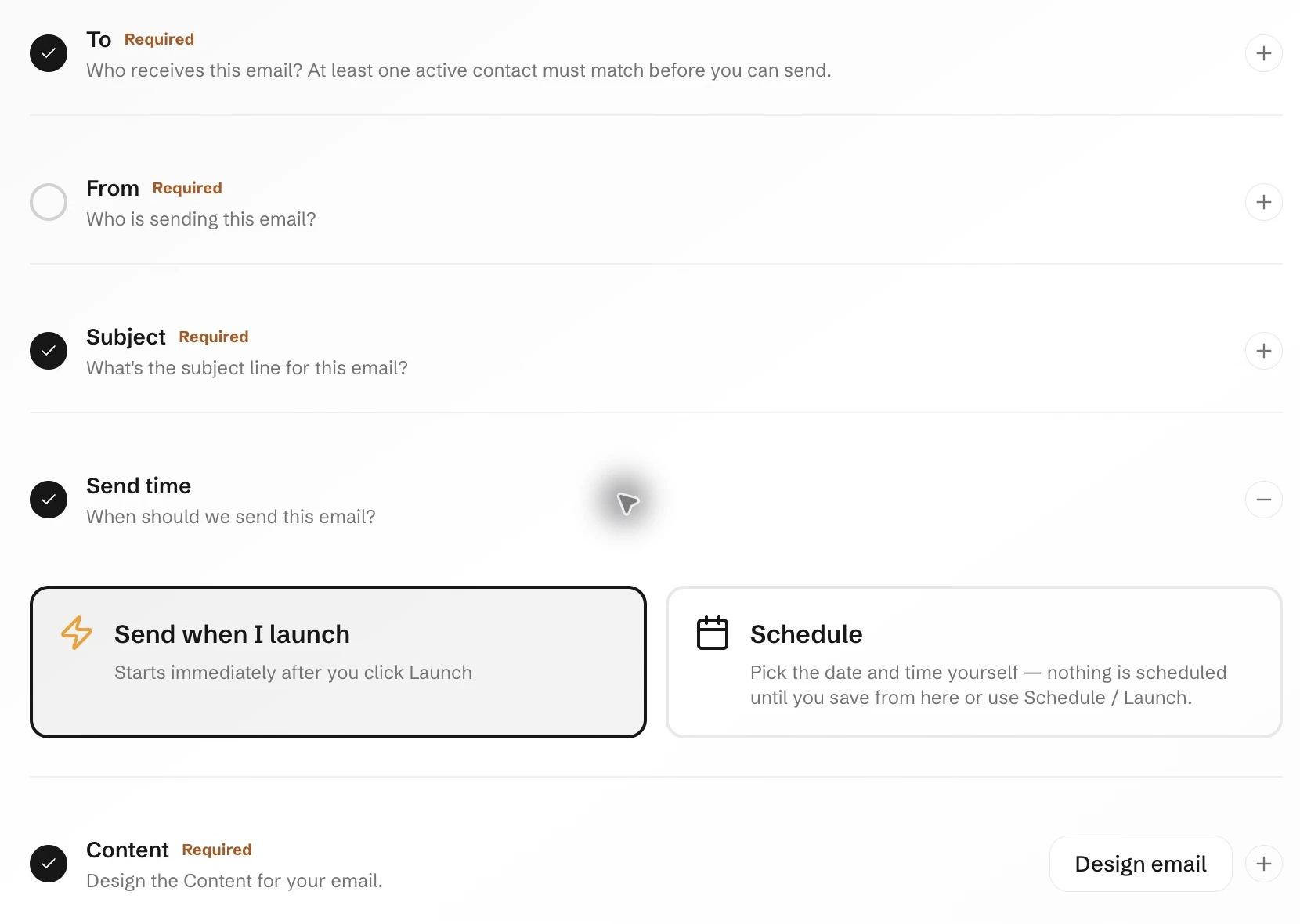
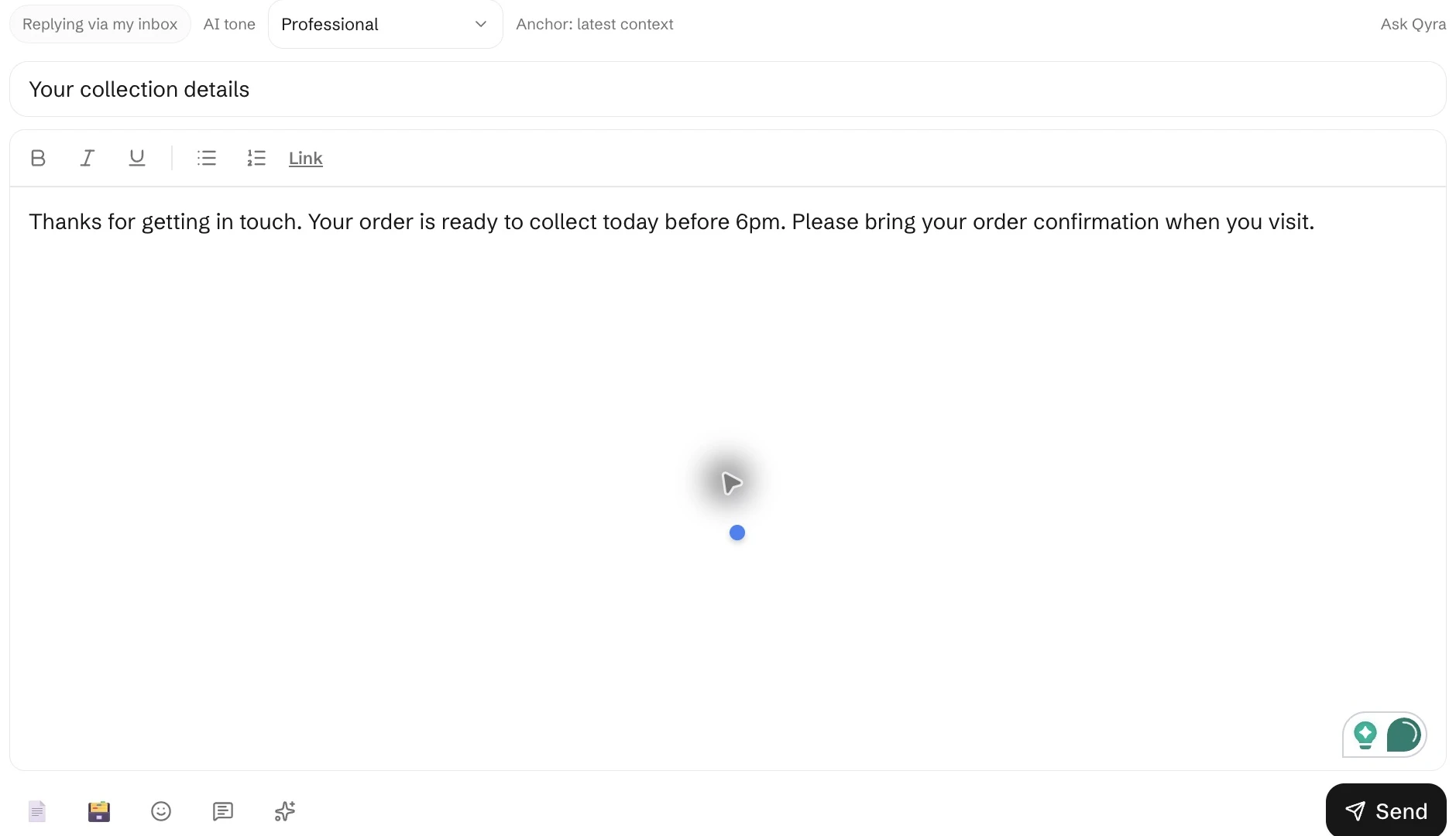
Read the domain setup guideChoose recipients and send time in your campaign. When a customer needs an individual answer, write the reply in the inbox with its own subject, formatting and attachments.
Start with the message you want to send and the customers you want to reach.