Qyra, grounded in your service information
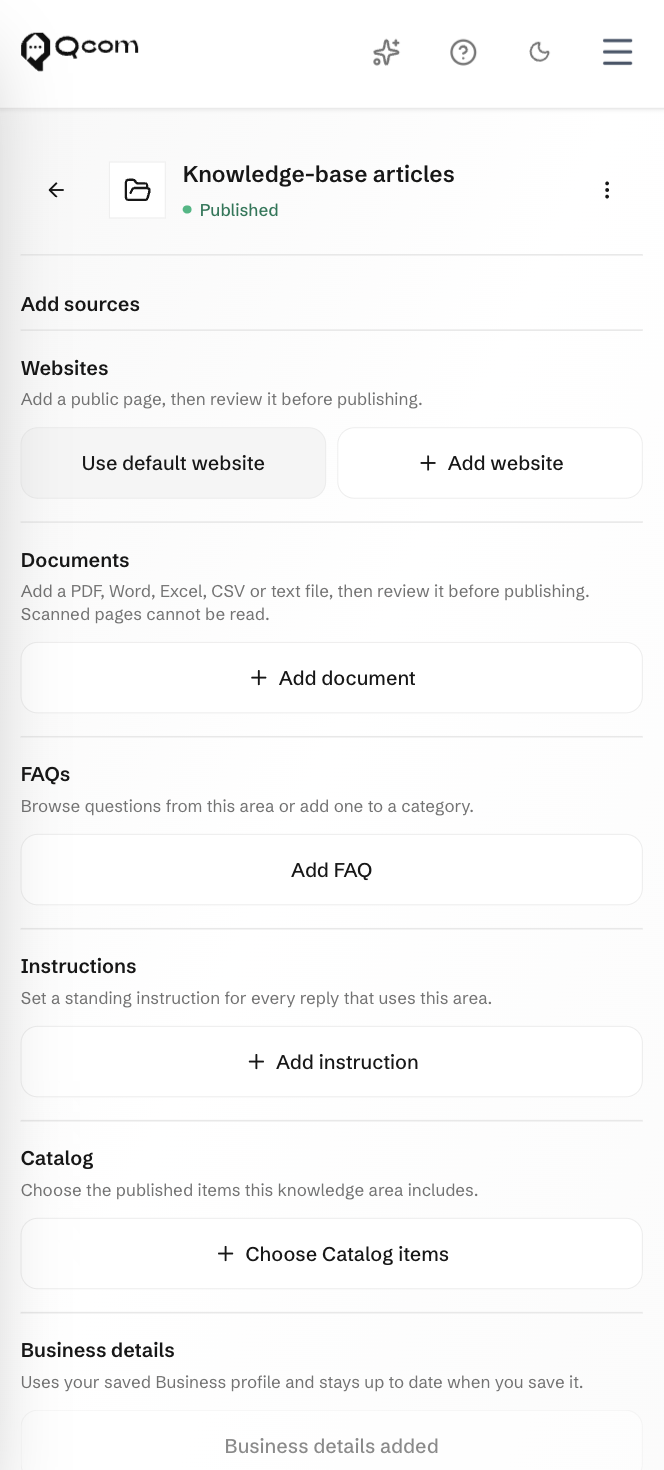
Add the requirements, FAQs and product information your team is authorised to share. Route individual advice and exceptions to qualified staff.
Bring customer conversations, applications and service cases into a workspace your team can act on. Built for the work around lending, insurance and financial advice.
Microfinance & lending · Insurance · Investment & wealth

Qcom brings the conversation, the application and the service work into focus. Each needs different information. Your team should be able to move between them.
Bring enquiries from connected channels into the inbox. Keep the conversation with the contact, capture their interest and give an adviser responsibility for the next step.
Collect the required information with Forms and organise the case for staff review. Your institution makes the decision; Qcom helps the team follow the work.
Give advisers, reviewers and service teams the context for their part of the job.

Conversation received
Assigned to the service team
Next: review and update the customer
Use published knowledge for routine questions and configured workflows for repeatable steps. Keep advice, review and approval with your people.
Add the requirements, FAQs and product information your team is authorised to share. Route individual advice and exceptions to qualified staff.
Configure bots and automations around your service process. Collect the first details, guide the customer and make the human handover clear.
Group customers by relevant interests, prepare a campaign and review the response. Keep account, policy and transaction records in the systems responsible for them.
Use roles and your review process to define who handles each step. Qcom does not underwrite, approve finance or provide regulated advice.
Coordinate the work of advisers, reviewers and customer service without asking each team to manage a separate conversation.
Discuss integration requirements for your core financial and accounting systems. Confirm the data and actions each connection needs before setup.